
The Stake mobile app for Canada: how to play on your phone
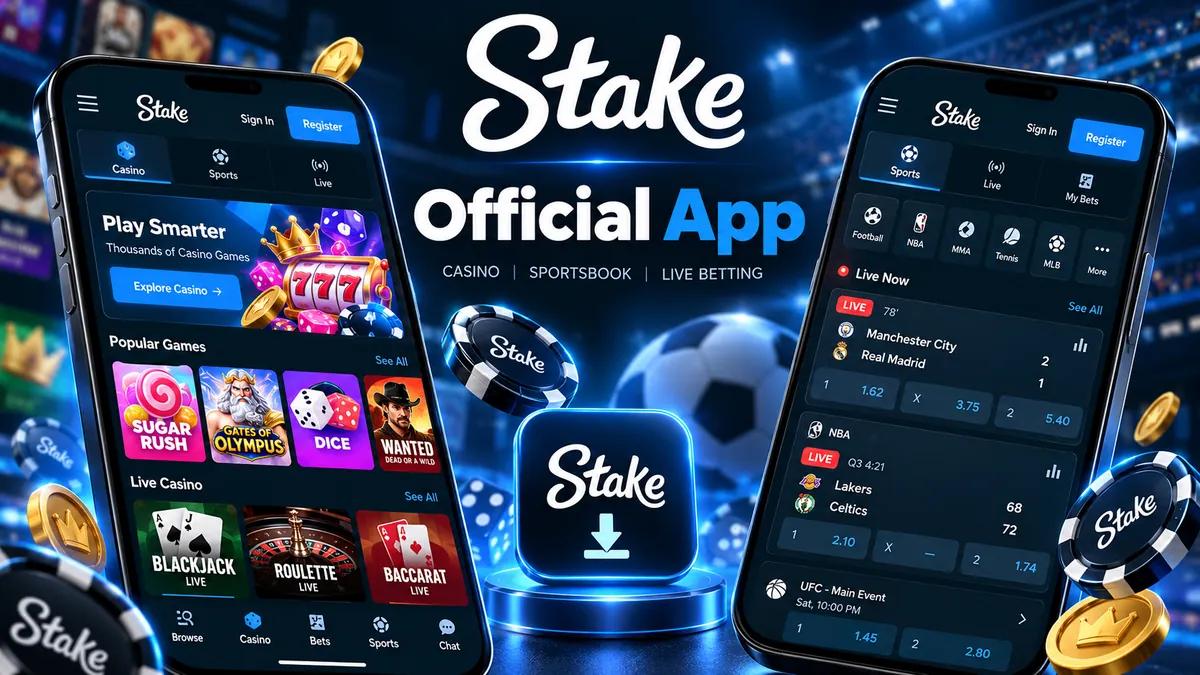
Stake runs as a responsive web app rather than a download from the App Store or Google Play. Open stake.com in Safari or Chrome, add it to your home screen, and you get an app-style icon with the full casino and sportsbook inside.
Add Stake to your home screen
There is no Stake listing on the Apple App Store or Google Play. The home-screen shortcut below is the closest thing to an installed app and takes under a minute.
iPhone and iPad (Safari)
- Open stake.com in Safari and sign in.
- Tap the Share button at the bottom of the screen.
- Choose Add to Home Screen, then Add.
- Launch Stake from the new icon; it opens full screen without browser bars.
Android (Chrome)
- Open stake.com in Chrome.
- Tap the three-dot menu in the top right.
- Choose Add to Home screen or Install app if offered.
- Confirm, and the Stake icon appears alongside your other apps.
Everything from the desktop site, sized for a phone
Sports betting
Browse leagues, build parlays and place in-play bets on the NHL, NBA, NFL, soccer and more. Sports betting guide.
Casino and Originals
Slots, live dealer tables and Stake Originals such as Crash, Dice and Plinko all load in the mobile browser.
Aviamasters and crash-style games
Quick-round games suit mobile sessions. See the Aviamasters page for how the game plays.
Wallet and deposits
Deposit and withdraw crypto, scan QR addresses with your camera and switch the display currency to CA$.
Account access
Sign in once and stay logged in. Two-factor authentication works the same as on desktop. Login guide.
Promo code entry
Enter GETRAKEBACK from Settings → Offers on mobile to unlock rakeback on a new account. How to claim.
Why Stake chose a web app
App-store rules around real-money gambling vary by country, and crypto features add another layer. A browser-based app sidesteps those limits, updates instantly for everyone, and behaves the same on an iPhone in Vancouver as on an Android phone in Halifax.
The trade-off is that you will not get native push notifications or Face ID login. Stake's session handling keeps you signed in, and a password manager fills the login form quickly when you need it.
Data use is modest for most games, though live dealer streams and in-play sports video will use more on cellular. Wi-Fi is the sensible choice for longer sessions.
Stake app FAQ
No. Stake is delivered as a web app. You use it through your mobile browser or add it to your home screen for an app-style icon.
Yes. The full sportsbook, including live betting and bet builders, works on mobile. Our sports betting guide covers the markets available.
Yes. After registering, open Settings → Offers in the mobile menu and enter GETRAKEBACK within 24 hours of creating your account.
It works in any modern browser, including Safari on iOS and Chrome on Android. Older browsers may struggle with live dealer video.